Live captions and translation for anything you hear
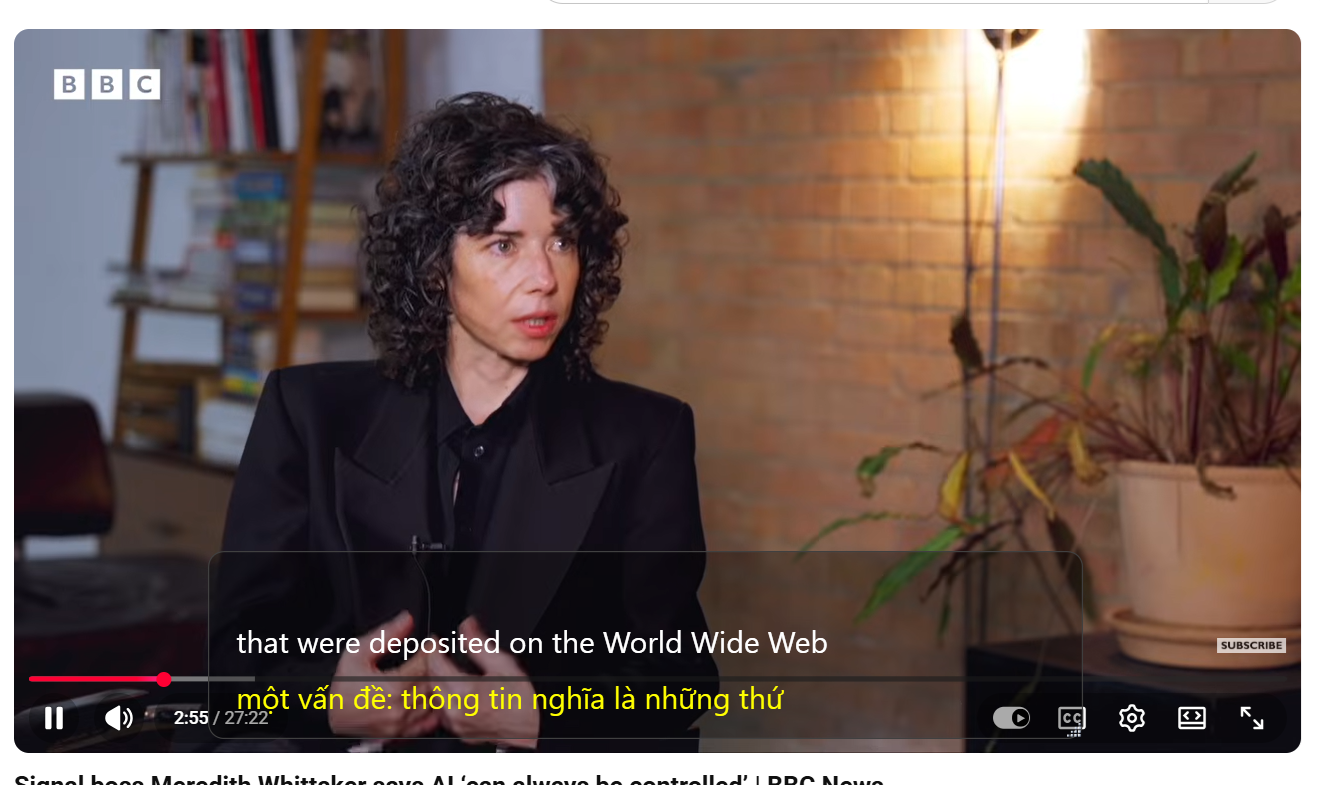
SubtitleVideo Live Caption turns the audio on your PC into real-time captions, translates them into your language and can read the translation aloud. Works with meetings, calls, lectures, videos and streams.
Two ways to use it
Turn on one mode or both at the same time.
Listen & translate
Captions whatever is playing on your computer: Zoom, Teams, Google Meet, YouTube, a webinar or a game stream. Translations can be read aloud for you.
Mic reply
Speak into your microphone and see your words captioned and translated, so you can answer in a language you do not speak.
Why people use Live Caption
Read along instead of straining to catch every word.
Real-time captions
Speech appears on screen as people talk, with low delay.
Live translation
Follow multilingual meetings and videos in your own language.
Read aloud
Hear the translation spoken, included at no extra cost.
Accessibility
Helps people who are deaf or hard of hearing, or who prefer reading.
Any app, any audio
No plugins or meeting bots. If your PC can play it, it can be captioned.
One account
Same email and minutes as the SubtitleVideo website.
Made for
Start in 3 steps
Most people are captioning in under five minutes.
Sign in with your email
Enter your email and the one-time code we send you. 40 free minutes are waiting.
Press Start
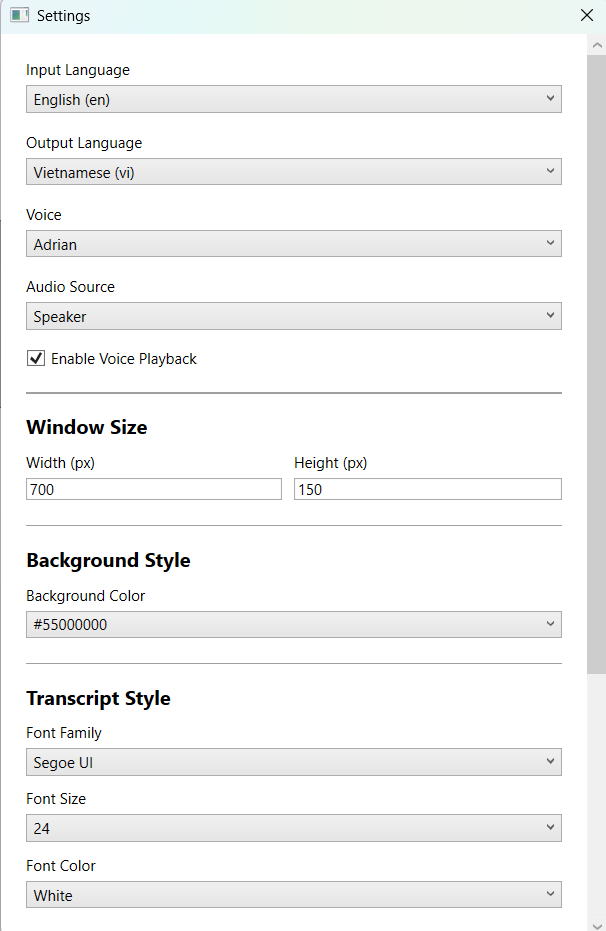
Pick the languages, choose Listen, Mic or both, and read along.
Simple pricing
One balance of minutes for the app and the website.
Free
- 40 minutes of live captions
- Listen & translate and Mic reply
- Read aloud included
Starter
- 120 minutes for the app and website
- No time limit per session
- Read aloud included
Pro
- 1000 minutes for the app and website
- No time limit per session
- Read aloud included
- Minutes run from the moment you press Start until you press Stop, whether or not anyone is speaking.
- Listen & translate and Mic reply are counted separately. With both turned on, 10 minutes uses 20 minutes.
- Reading translations aloud is included in Listen & translate at no extra cost.
- When your minutes run out, both modes stop automatically.
Buy minutes
The minutes are added to this email. Use the same email to sign in to the website and the app.
Please enter a valid email address.
Questions
Which apps does it work with?
Any app that plays sound on your PC: Zoom, Microsoft Teams, Google Meet, Skype, browsers, video players and games. No plugin or meeting bot is needed.
Do I need a separate account?
No. The app uses the same email and minutes as subtitlevideo.com. Sign in with your email and a one-time code.
What if my minutes are not added after payment?
Email your PayPal receipt to admin@subtitlevideo.com and we will add them right away.
Can I get a refund?
No. Please try it free first: payments are not refunded if you are not happy with the result.
Something missing or not working? Write to admin@subtitlevideo.com, we answer 24/7.
Never miss a word again
Install Live Caption and get 40 free minutes. No credit card needed.
Get it from Microsoft Store